-
Fixing display freezing with AMD GPU on kernel 7.0.0
Hey, it’s been a while. Took me a good ten years since the last blog post, so this one better be worth it! Here’s my problem. Everytime I boot up my framework laptop (Framework Laptop 13 AMD, Ryzen 7 7840U / Radeon 780M), my laptop screen freezes and only my external screen keeps working. There is a manual workaround for this problem, just deactivate the laptop-screen and reactivate it in the display settings, but I want a permanent fix/workaround.
-
Repair the Syma X12S quadcopter by replacing the motors and rotor blades (and what to do if it does not lift off afterwards)
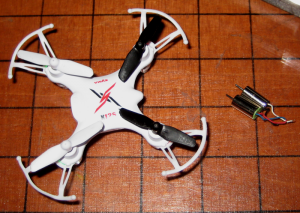 My friend owns a Syma X12S quadcopter that was cheaply imported from China. It really is an amazing piece of hardware and the perfect entertainment when you spend an evening with friends. Piloting this miniature aircraft is quite easy – it only takes a few flying sessions until you acquired enough skills to handle it. However, I still managed to crash the quadcopter in a way that damaged two of its four motors. The beauty of this toy is its modular design: Even though it is a cheap product, most of the parts are LRUs, so you can simply order a replacement for the defect part and replace it yourself.
 -
Low-Latency Live Streaming your Desktop using ffmpeg
I recently bought myself a projector, which I installed in one corner of the room. Unfortunately I didn’t buy a long enough HDMI cable with it, so I could not connect it to my desktop computer and instead used my loyal ThinkPad T60 for playback. But I also wanted to be able to play some games using the projector, for which my laptop wasn’t beefy enough. So I thought, why not just stream the games from my desktop computer to the laptop?
-
Fixing Full-HD VGA support for the Epson EH-TW5200 Projector
If you happen to own an Epson EH-TW5200 projector, you might have experienced problems setting Full-HD (1920×1080) resolution using a VGA connection under linux. When I set the resolution to Full-HD, the whole screen would stay completely black. This is just a quick fix for the other 4 people that might have this problem.
-
Homeserver Upgrade: Odroid XU3-Lite Setup on a SD-Card
I recently bought a new home server, the Odroid XU3-Lite to replace my poor man’s home server I called the thin-server, to run CherryMusic and the like.
-
How to add USB Gamepad support for your Android phone or tablet
IMG_20150411_201153
-
DIY: Black Rolls/Trigger Point-like foam rollers for myofascial release


-
Samsung Galaxy S3 repair – Glass screen/digitizer replacement and why it is not recommended
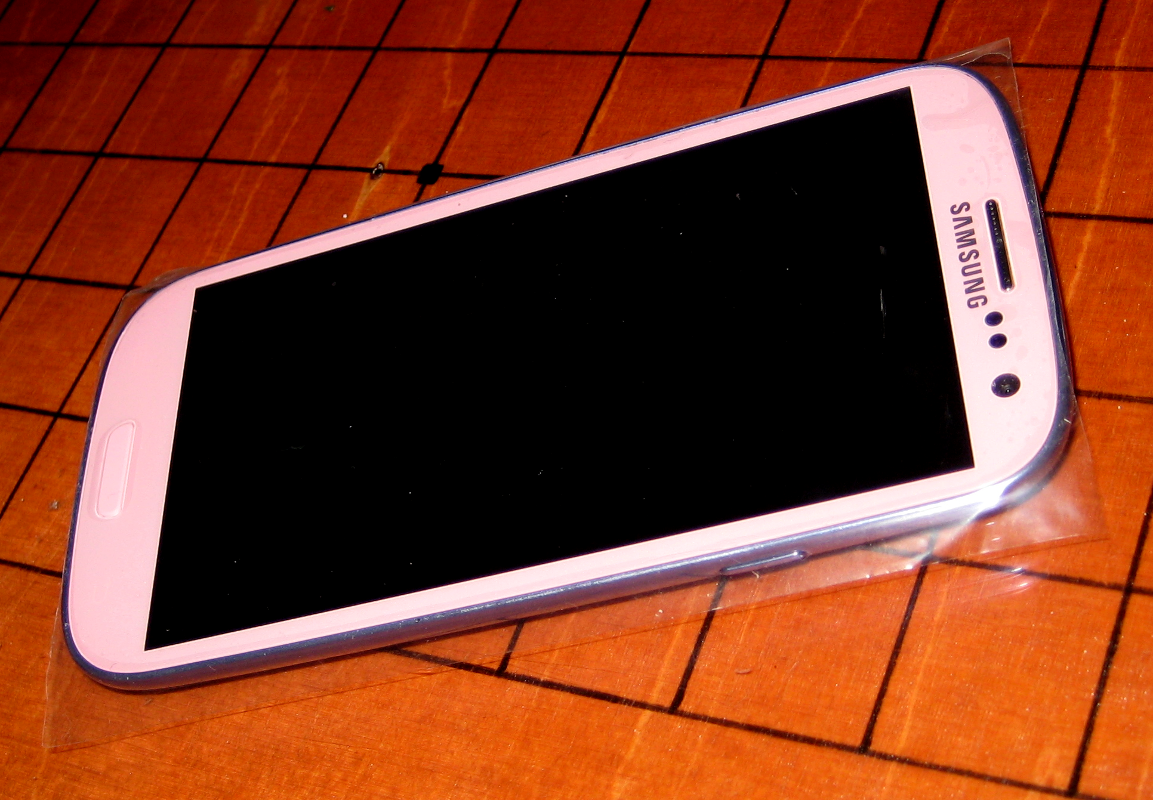
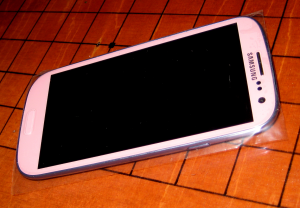 A friend asked me to repair her friends Samsung Galaxy S3 mobile phone, that had a broken glass screen/digitizer, so I had a closer look at it. The process of replacing the glass screen/digitizer on a Samsung Galaxy S3 is straight forward and not many tools are needed. However, what you really need is patience… a lot of it.
 -
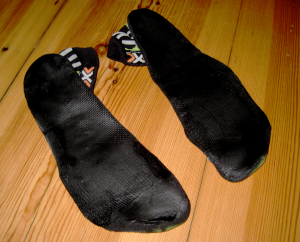
DIY: “barefoot”/natural running shoes
-
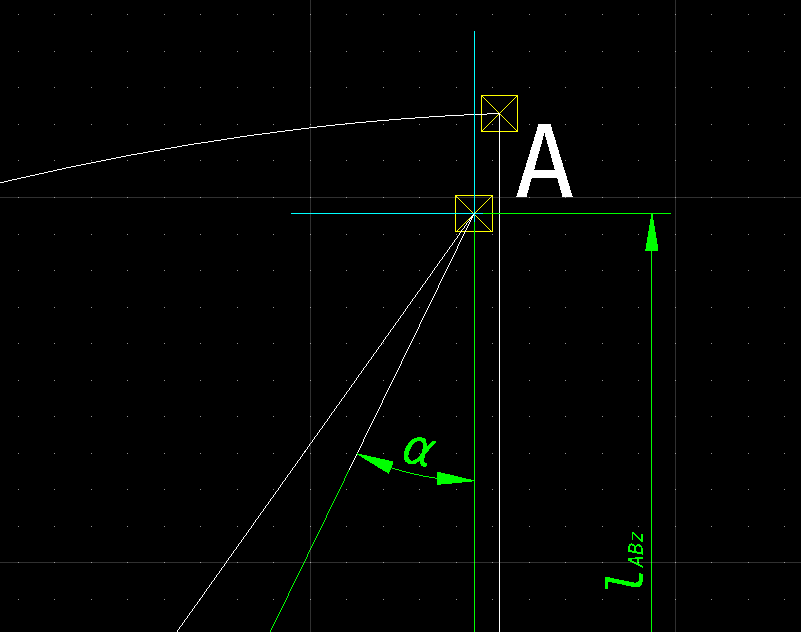
QCAD – Symbols, special characters and font styles in dimension labels
-
Maxima (software) and gnuplot – plot functions using lines with symbols on it (workaround)

-
Samsung SSD 840 EVO 2.5 Zoll SATA – Firmware update under GNU/Linux
I recently bought a Samsung SSD to replace my HDD in my Arch Linux notebook. It is a “Samsung SSD 840 EVO 2.5 Zoll SATA”. One of the first things I do when I get new hardware is to make sure the latest firmware is installed. Mine did not have the latest firmware update and – as it was to expect – Samsung SSD firmware updates under GNU/Linux are not (officially) supported. Samsung ships only Microsoft Windows software, called “Magician”, which can directly update the firmware or create a live USB-Stick to do the update. Additionally, they provide *.iso image files (one for Microsoft Windows systems and one for Apple computer, respectively) to update the firmware from a live CD. The *.iso image file intended for Microsoft Windows would also work under GNU/Linux, only that my notebook does not have a CD Drive anymore. Obvioulsy, the only option left was to create my own live USB-Stick under GNU/Linux – without using Microsoft Windows and that crappy Samsung “Magician” software. A simple “dd” comand to “burn” the *.iso file on an USB-Stick did not do the trick, as the Isolinux version Samsung uses is over 10 years (!) old.
-
UEFI, GNU/Linux and HP notebooks – problems and how to get it working
There is a lot of confusion and wrong information in the internet about the Unified Extensible Firmware Interface (UEFI) and how to set it up correctly – especially under GNU/Linux. What makes things worse and also confused me a lot is that all vendors tend to implement this “standard” differently. So although UEFI is defined as a new industry standard replacing the BIOS, it can hardly be called “standard” at this time. Yet another problem of understanding UEFI is, that people seem to mix up words that have a special meaning.
-
Coders’ forbidden vocabulary
I often have to read a lot of code from other people that is not exactly well written or easily understandable. I am working on several different projects; some open-source for fun & giggles and some closed-source for money & fame. I just noticed that the biggest problem in understanding other peoples code is not about things you could easily measure, like code quality in the sense of code formatting standards or the language that it is written in. Naming of constants and variables make all the difference for understanding the code others have written.
-
How touch screens turn people into zombies or why keyboards are irreplacable
-
Create a GNU/Linux multiboot USB-Stick (Live USB) with Syslinux chainloading
Since USB-Sticks, that are fast and have a high capacity, are finally affordable, I decided to buy a new one. I usually install a GNU/Linux live CD (more precisely live USB) distribution on my USB-Sticks: either SystemRescueCd or Kali Linux (former Backtrack). The left over space is used for the classical purpose of an USB-Stick – data exchange. Todays USB-Sticks have enough capacity to easily fit several GNU/Linux live distributions on them, while still leaving enough space for other data. So my plan was to create a multiboot USB-Stick, that would boot my favourite GNU/Linux live distributions mentioned above. Unfortunately, searching the internet for implementing this did not give me any satisfactory results. There are a ton of guides that explain how to create an USB-Stick that boots GNU/Linux, but there are almost no multiboot solutions. The few howto’s about multiboot USB-Sticks are either about booting *.iso files (which only works with some GNU/Linux distributions) with GRUB 2 (which is designed for static boot setups anyway) or require further customized modifications of the GNU/Linux live distributions. I wanted a simpler solution that – once created – allows for easy updating of the installed GNU/Linux live distributions.
-
How to install and configure CherryMusic on a Debian Wheezy (headless) server



-
The “Matrix Code” in your linux terminal using python and curses
Everybody knows the code on the screens in the movie the matrix. You can see it for example when the character “cypher” talks to “neo” somewhen in the night, and the green letters fall down on those second-hand dell screens behind them. Funky. I want that too.
-
Building a simple goban (Go board) DIY
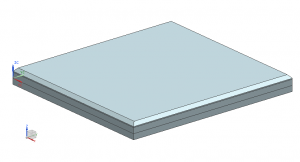
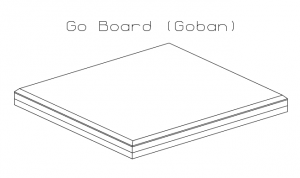

-
PyLint and Pep8 validation in geany
If you’re into python, but don’t know about PEP8 or PyLint, you should find out right now. And because pep8 and pylint are great, but it’s hard to force yourself to use them all the time, lets integrate them into geany, a fast and lightweight IDE.
-
Using a Raspberry Pi to connect a third display over LAN
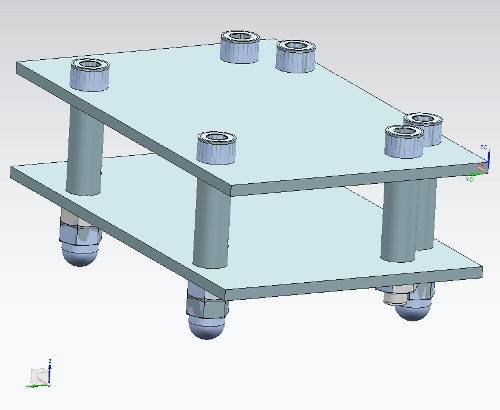
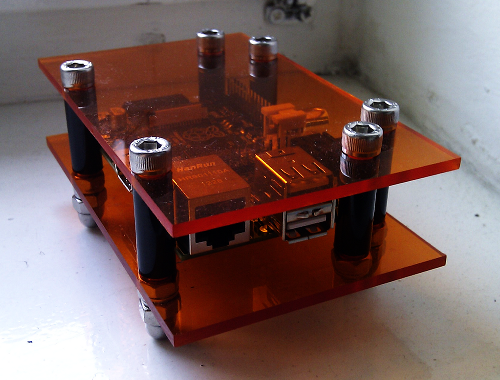
I’ve received my rPi a while ago, but never wound up doing much with it. Recently I have received another screen which is a little older, but still features a DVI input. Since developers can’t have enough screen space and my laptop has only one VGA output, I decided to use the raspberry pi as my ethernet-to-DVI adapter.
-
3to2 by hand – back porting python 3 to python 2
As mentioned in an earlier post, I’m currently writing a music streaming server in python. As I wanted to go with the newest thing available, I wrote it in python 3. Unfortunately the application server we rely on, cherrypy, is only packaged for python 2 in most distributions! Even worse, even if the packages were installed for python 3, it would not run, since I relied on python 3.3 features.
-
Why arch linux sucks for servers
 Yes, you heard correctly. Installing arch linux on a server is the biggest mistake you could make as admin. And I made that mistake.
 -
Raspberry Pi Case DIY
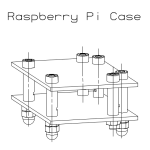
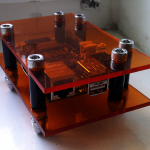
-
CherryMusic – A Music Streaming server for your browser
This post is quite old. CherryMusic has improved a lot since then. For the latest version and information on CherryMusic, please visit http://fomori.org/cherrymusic
-
Conway’s Game of Life in 3 Lines of Python
 I recently saw a video of an implementation of Conway’s game of life written in APL which was done in just one line. And because I couldn’t sleep last night, I implemented it in python as short as I possibly could.
 -
Indexing large tar files for fast access using python
 I recently needed to get some data out of a large tar file, about 5gb in size, that I didn’t want to extract, as it contained many thousands of small files. Unfortunately the tar format was not designed to be indexed, since it was meant for backups on magnetic tapes (tar stands for ta**pe archive). The gnu tar has a command for retrieving single files, but it needs to go through the whole tar each time, which was just too slow.
 -
Disable private data sync of Google apps (e.g. calendar and contacts) in Android
This post describes a dirty (but effective) workaround to individually disable data synchronization of the installed Google apps, while keeping others (e.g. Android Market) intact.
-
DIY: Building a Japanese shoji-style ambient lamp – the nerd way
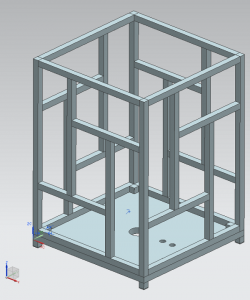
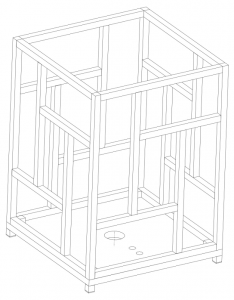
-
Poor man’s DynDNS – A PHP solution
I’m running a Thin-Client as a home server and sometimes I need access to some files at home. Since those no-ip services didn’t prove that reliable in the past, I decided to implement a DynDNS substitute in PHP.
-
Cheap Home Server: Introducing the Thin-Server
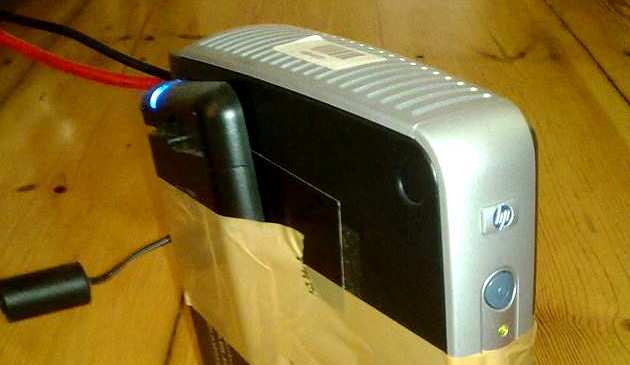
-
Building a Super Nintendo USB Gamepad for Android Tablets
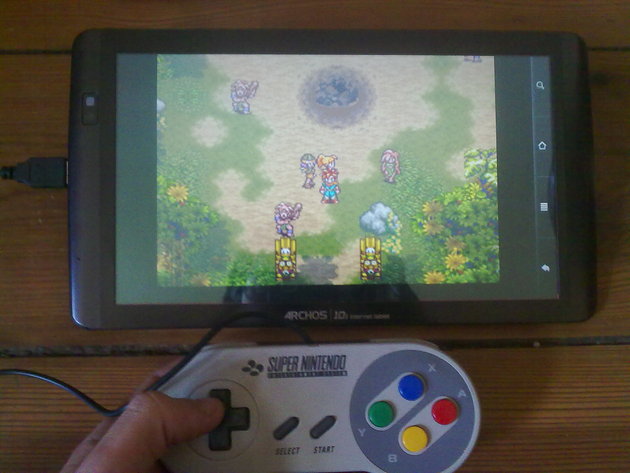 I recently build a little USB-SNES-Gamepad for my Android Tablet, because I didn’t like using the on screen controls of the emulators. It just wasn’t fun playing the games of my childhood without the original controller in my hands. Luckily my Tablet has a standard USB port with host capability and supports thumbdrives, keyboards and mice out-of-the-box. So I figuered I could easily put the controllerboard of a usb keyboard inside the spare original SNES gamepad i had liying around.